Únete a la revolución
Recibe las últimas innovaciones para el campo.


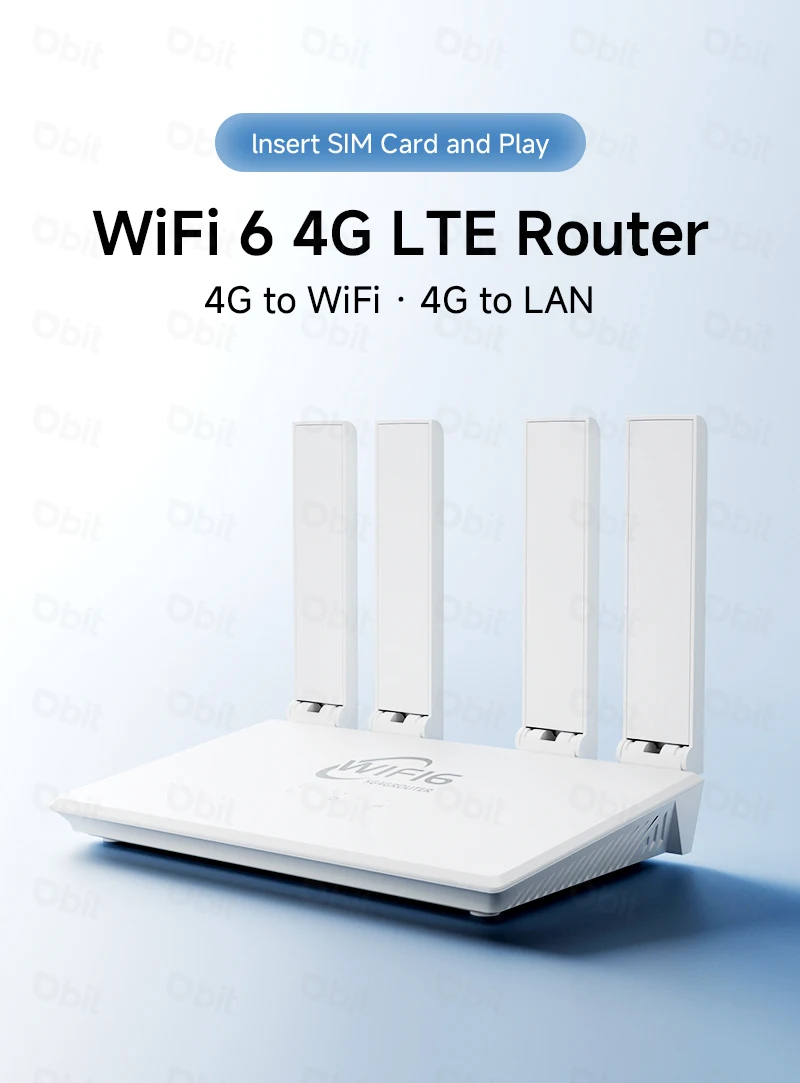
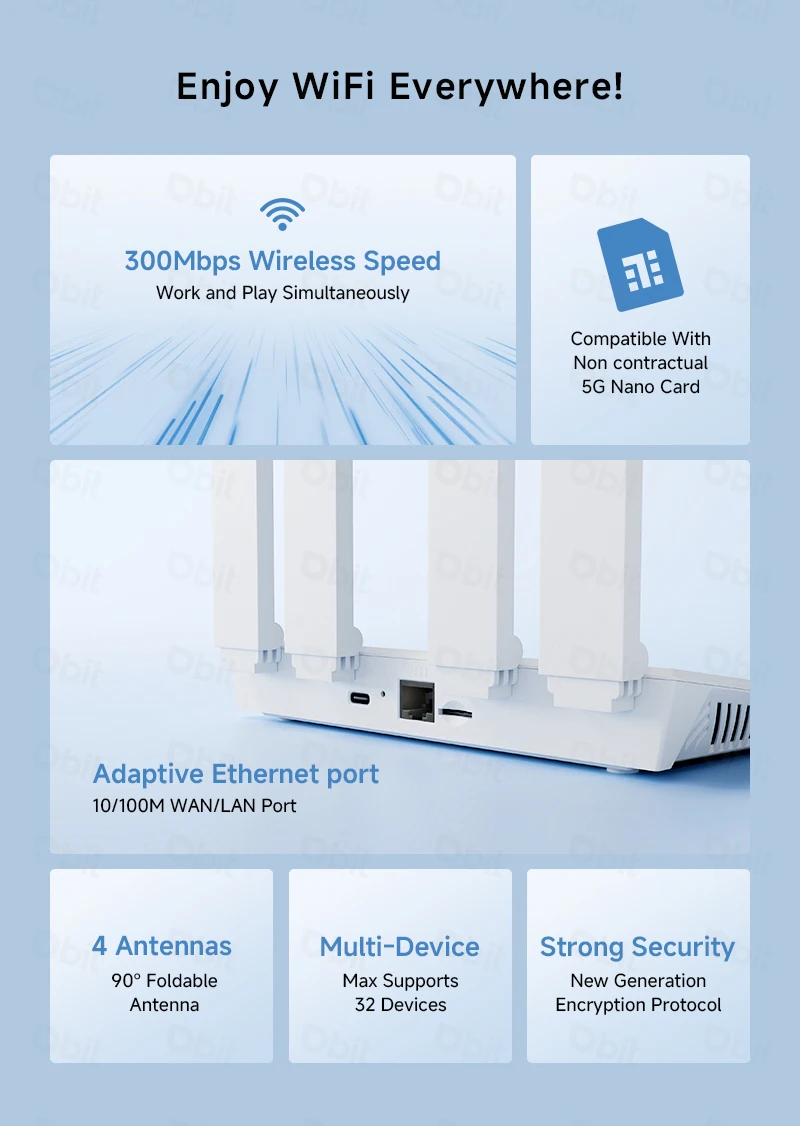
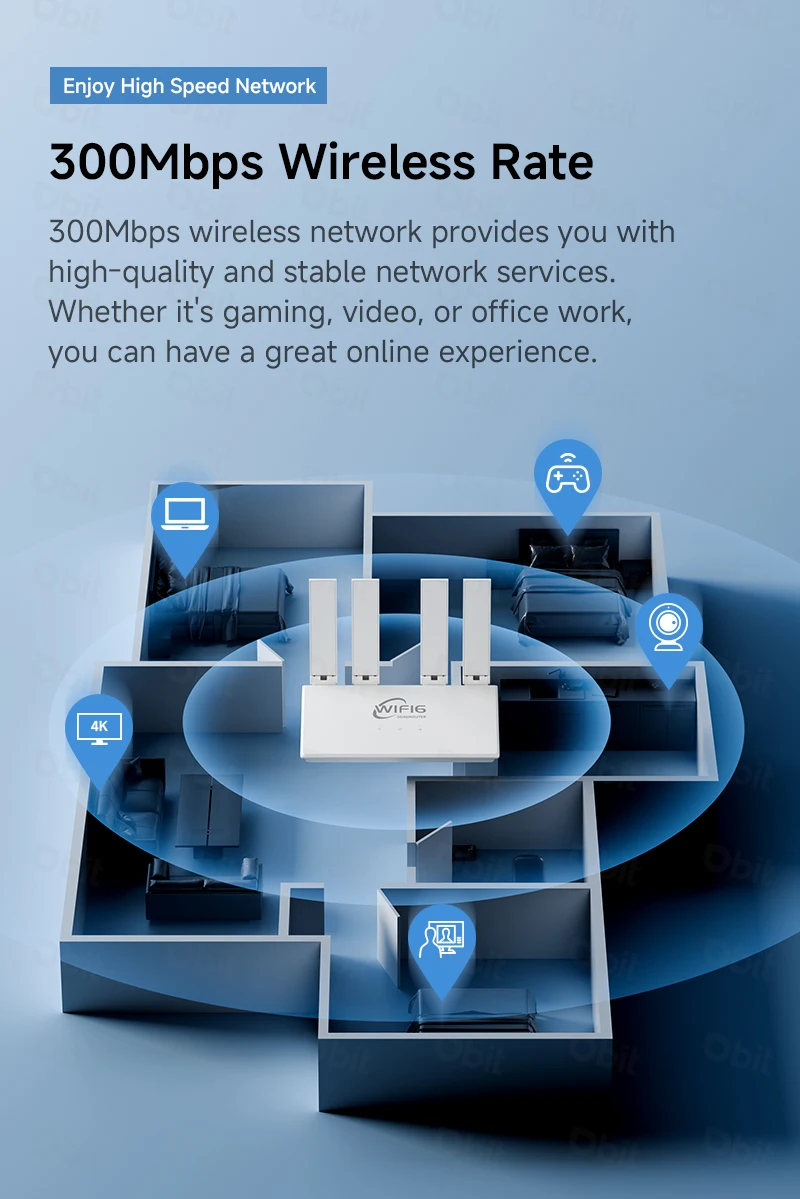
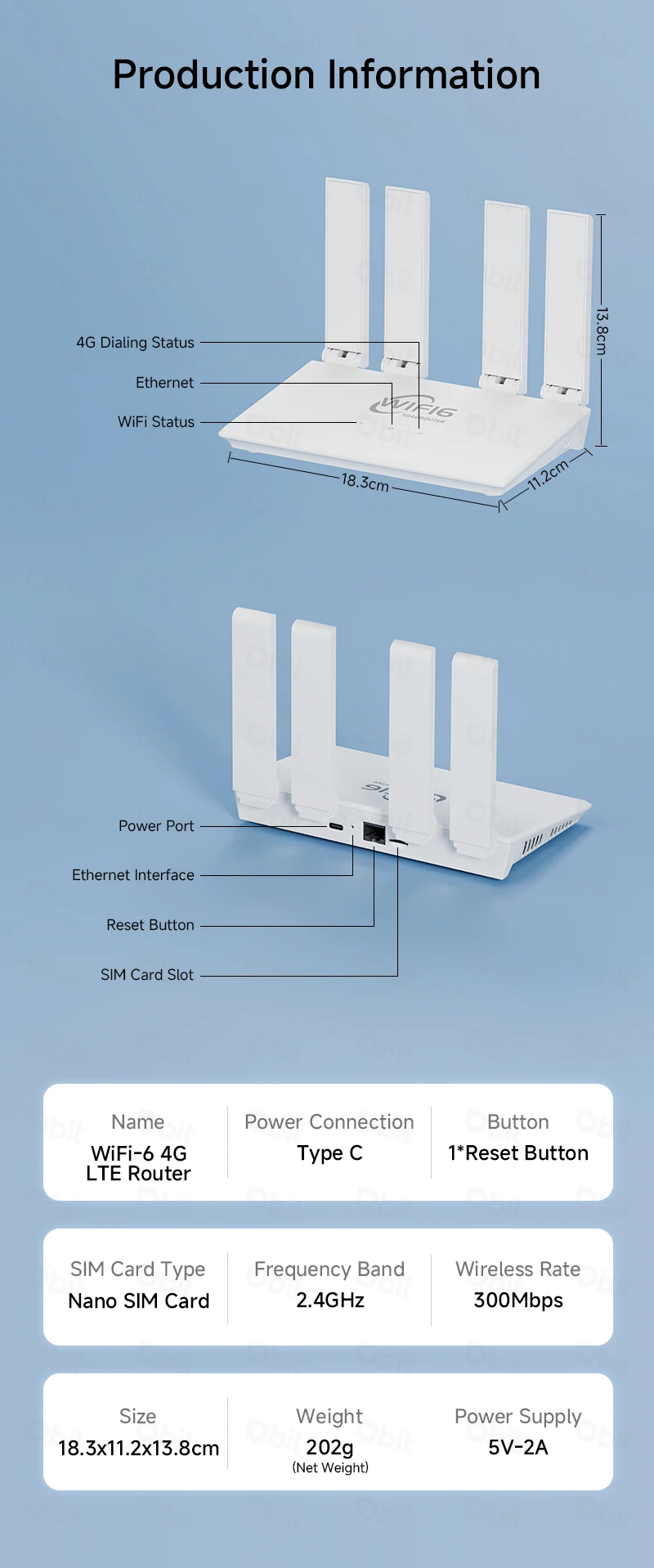
*High-speed Wi-Fi transmission: DBIT 4G LTE router uses 2.4 GHz WIFI6 high-speed chip with a maximum speed of 300 Mbps, enjoying seamless Internet connection and efficient data transmission.
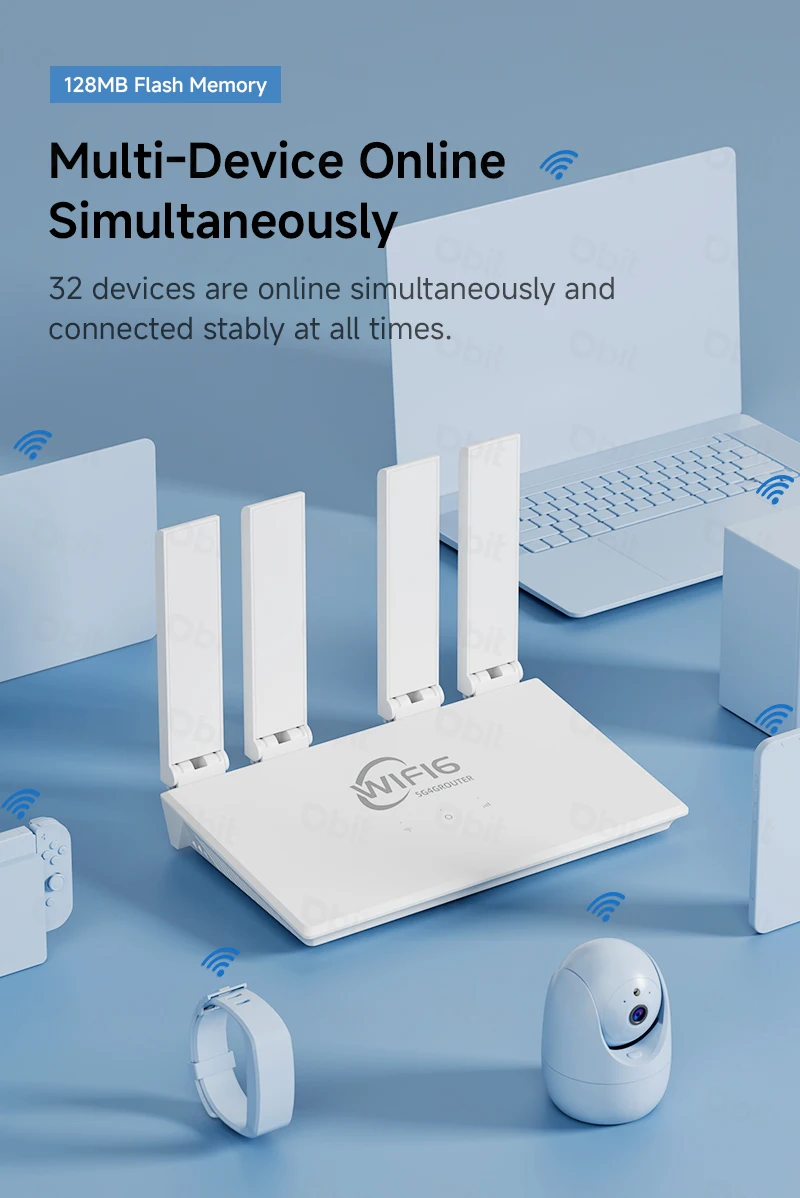
*Excellent compatibility: The 4GLTE modem router supports up to 32 devices, which is very suitable for home or office use with multiple devices that need to access the Internet at the same time.
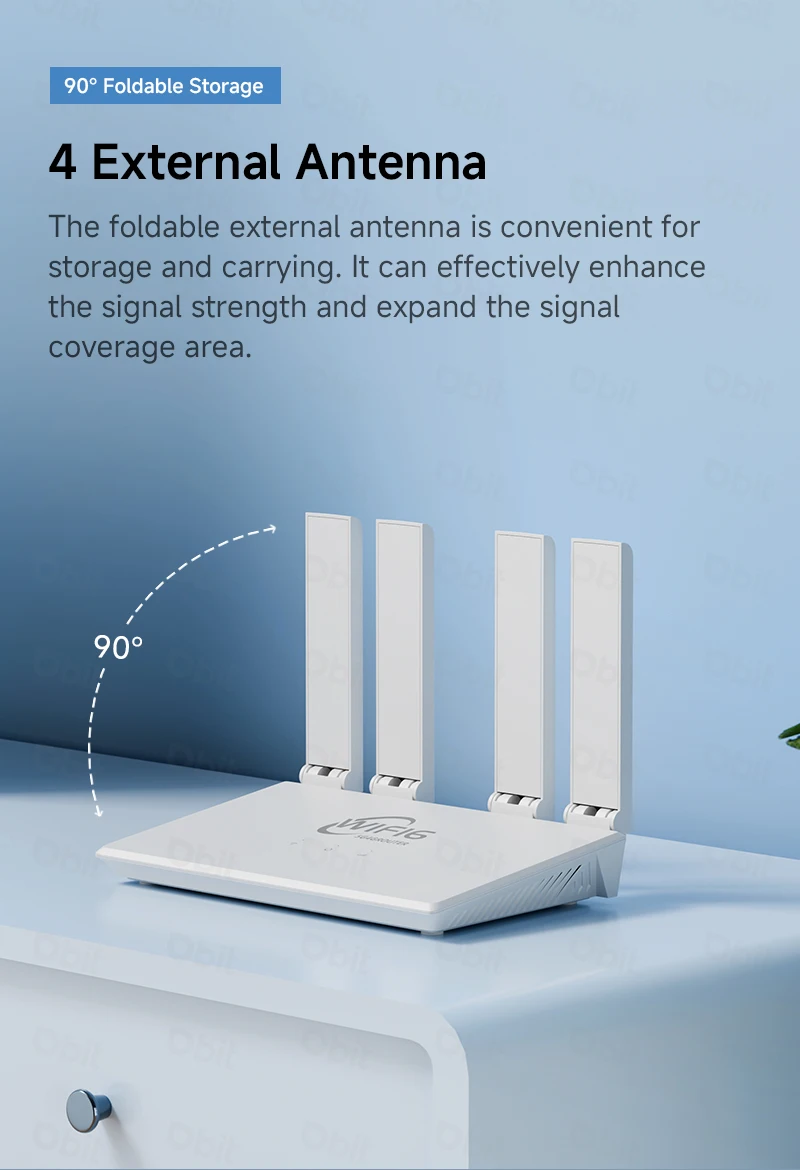
*Enhanced antenna design: 4 gain antennas enhance signal reception and transmission, providing consistent and reliable wireless coverage.
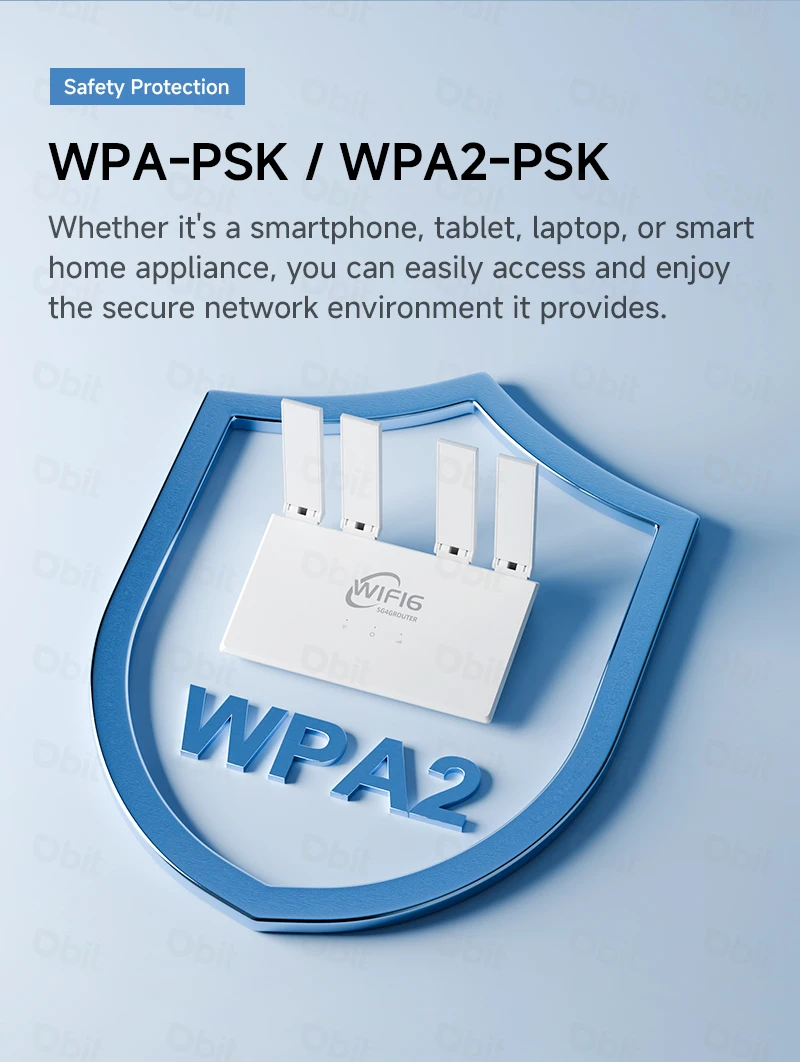
*Advanced security features: The router has a firewall function and supports IPV4/IPV6, providing you with an efficient network while providing an additional layer of security to defend against potential threats.
*Portable and easy to install: The foldable antenna design makes the product more lightweight and portable, plug-and-play easy to set up and configure, suitable for business trips/travel/outdoors/home/office and other network scenarios.
*Global applicability: Designed for global applicability, supporting ordinary router mode and 4G mode, the router is compatible with European and Korean standards, making it a versatile choice for international users.
lmportant Tips:
1. Packaging Upgrade & Inspection
To ensure better customer experience, we have upgraded product packaging with improved fit and added plastic sealing to prevent transit damage. Upon receipt, immediately inspect the packaging condition. If any damage is found, video evidence must be recorded—failure to do so will result in denied claims for cosmetic damage or deliberate destruction.
2. SIM Compatibility Requirements
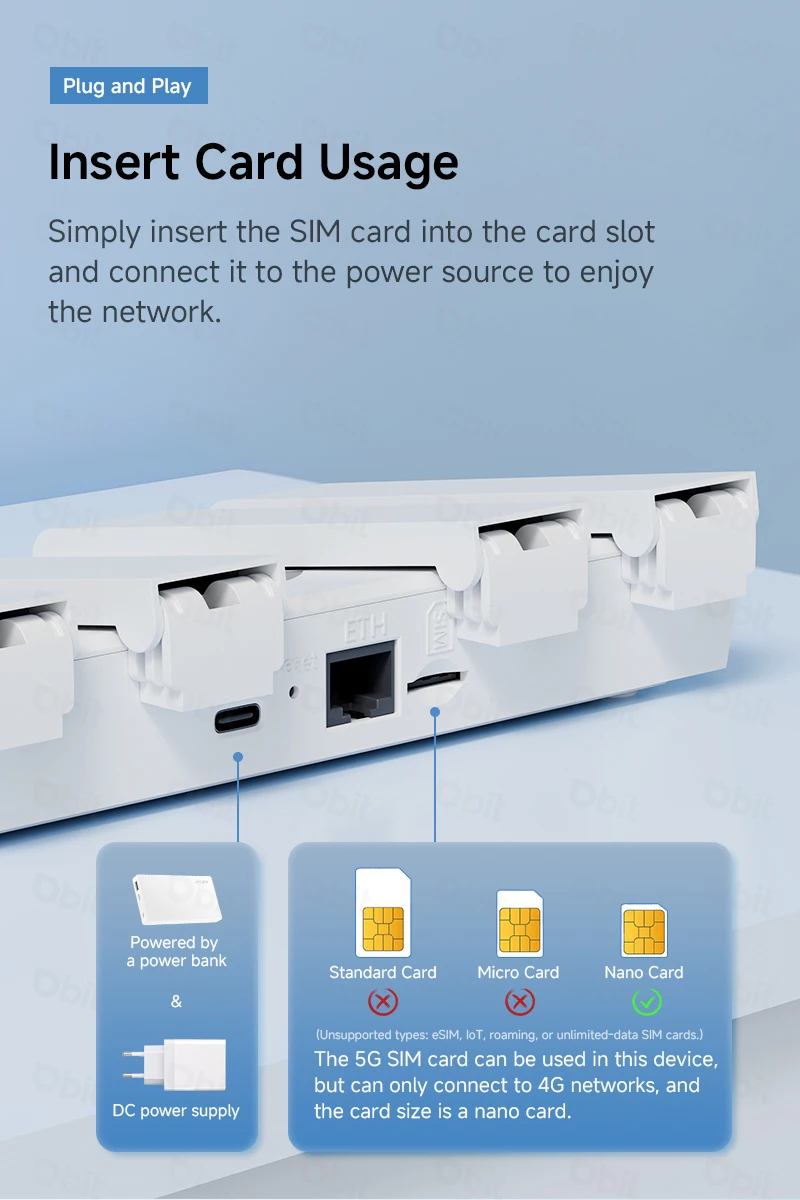
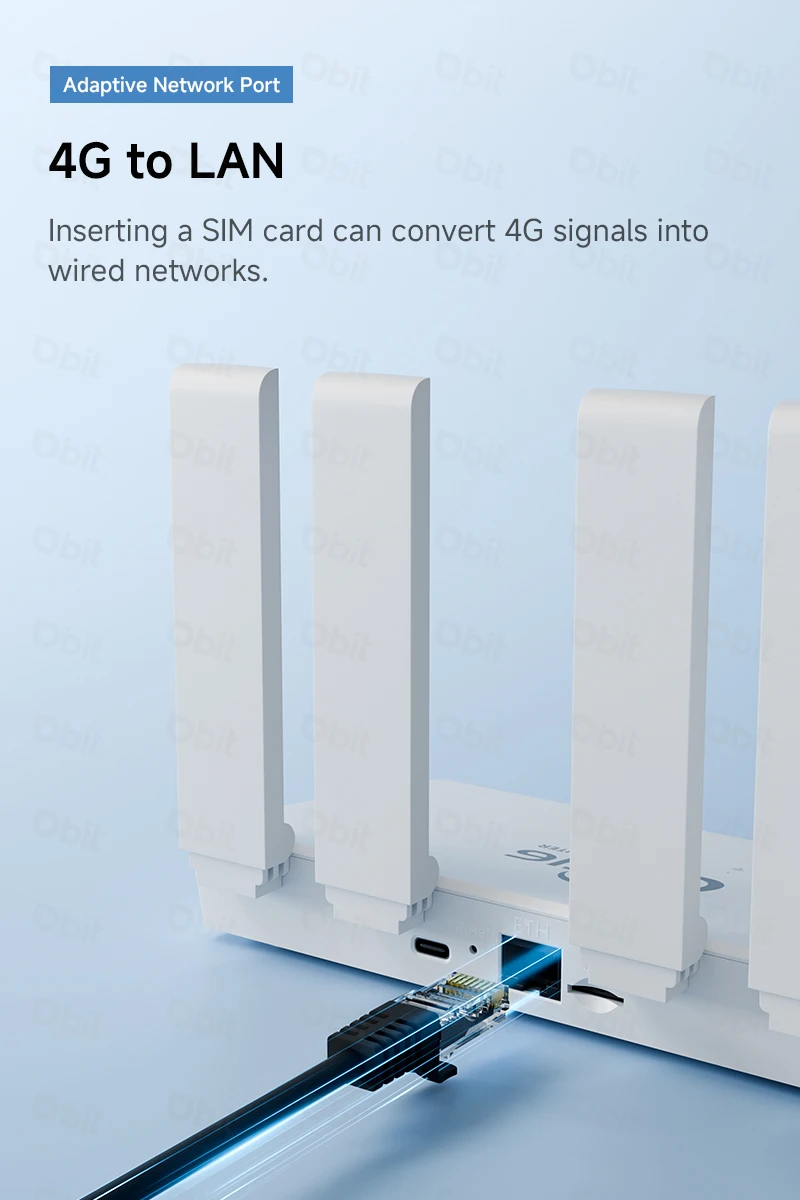
The router supports mainstream nano 4G/5G SIM cards from carriers in Asia/Europe/Africa/Middle East (only 4G bands are functional; 5G is not supported). Verify your SIM's band compatibility using global frequency charts or by consulting your carrier/our support. The router must be used with a band-compatible, data-enabled SIM to establish a valid network connection. Connection failure due to incompatible/inactive SIMs is not a product defect.
(Unsupported types: eSIM, IoT, roaming, or unlimited-data SIM cards.)
3. Mandatory Boot Sequence
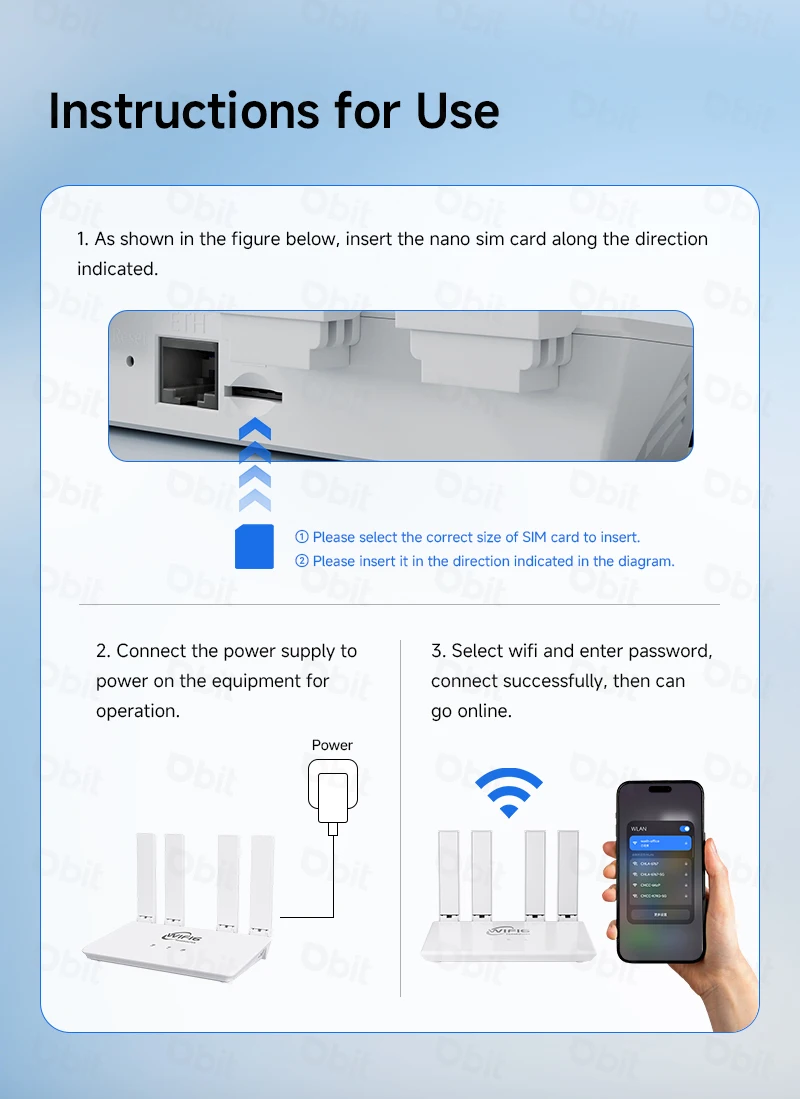
Hot-swapping SIM cards is not supported. Insert a valid SIM card before powering on the router. Allow 1-2 minutes for automatic system detection. Deviation from this sequence may cause recognition errors or connection failure.
(Router operates under stable, valid power input.)
Applicable to Europe, Africa, Asia, all countries and regions, such as Russia, Israel, South Korea, Spain, Brazil, Ukraine, France, Italy, Netherlands, India, Nigeria, Switzerland, Kazakhstan, Poland, Ghana, etc.

COMMON FQA:
Q:What is the overall speed of this router?
A:The total speed of this router is 300Mbps
FDD-LTE (DL/UL): 150 Mbps / 50 Mbps
HSPA+ (DL/UL): 21 Mbps / 5.76 Mbps
Note:
The router’s speed parameters are laboratory-tested theoretical values. Actual network speeds are not fixed and may vary every second. Internet distribution via the SIM card depends on environmental factors (e.g., signal strength, interference), causing significant speed differences. For real-time speed data, check the web management interface homepage.
Q: What is included in the product package?
A:1*Asia/European version 4G router
1*European standard power supply
1*Network cable(1M)
1*English manual
Note: The package does not include a SIM card
Q: How to set up internet quickly?
A:
1.Confirm SIM card validity (band compatibility & active data plan).
2.Insert the SIM into the router's slot (ensure correct orientation).
3.Connect the power supply and wait for system recognition (~1-2 minutes).
4.Connect to the router's WiFi and enter the password (found on the router's bottom label).
Q: What should I do if I forget my username and password? (How to reset the router?)
A: If you forget your username and password, or make an error during the setup process and are unable to access the device's backend interaction interface, you can press and hold the RESET button on the device for 10 seconds while the router is powered on, and then release it to restore the router to its factory state.
Q: Can't find the WIFI signal for the router?
A: Connect the computer to the LAN port through a network cable, log in to the router management interface, select Advanced Settings ->WLAN Settings ->WALN Basic Settings page, enable/disable the WLAN function, and confirm that this option is enabled. If you don't have a computer, you can also reset the router, as detailed in question 1.
Q: The router signal light is on, there is data transmission, but the internet speed is slow?
A: Please move the router to another location, such as near a window, to ensure better reception of 4G signals. Power on again and restart the router.
Try to shorten the distance from the router as much as possible and reduce intermediate obstructions.
Q: Why is the device unable to read the SIM card when replacing the card during router operation?
A: The device does not support SIM card hot swapping. Please perform the swapping action when the router is powered off.
Q: Why is the speed of using wireless internet slow?
A:
① If the signal in the user's location is weak or the user volume is large, it will affect the 4G download speed. Please consult the SIM card provider for details.
② Please check if other users in the router are downloading big data.
③ Please check if there are strong magnetic or electric field interference sources around the router, such as microwaves, refrigerators, etc.
④ The distance between the location of WIFI and the device used, as well as the presence of obstructions and signal attenuation.